← All Office, Project and Visio downloads
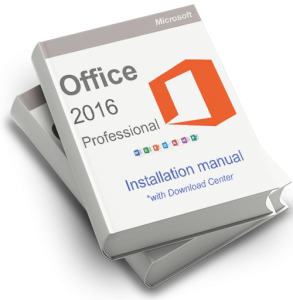
Select your language and version. A dash means that version is not available in this library.
| Language | 32-bit | 64-bit |
|---|---|---|
| English | Download 32-bit | Download 64-bit |
| Deutsch | Download 32-bit | Download 64-bit |
| Español | Download 32-bit | Download 64-bit |
| Français | Download 32-bit | Download 64-bit |
| Italiano | Download 32-bit | Download 64-bit |
Use a product key for the exact edition shown above.